trying to find out where and how rio handles resizes (not of windows, of itself) to make wallpaper scale and fit accordingly
doing crimes in #9front
doing crimes in #9front
doing it right:
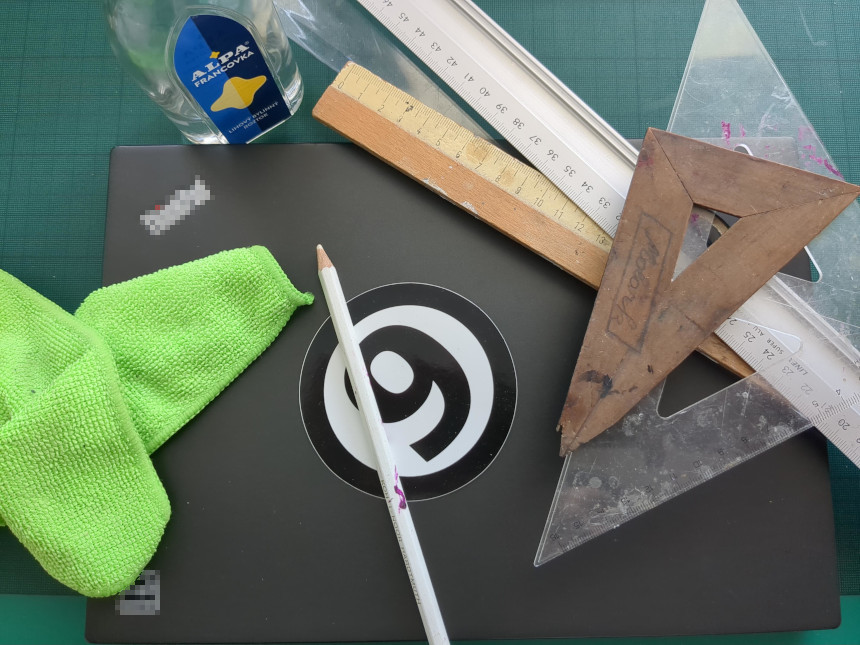
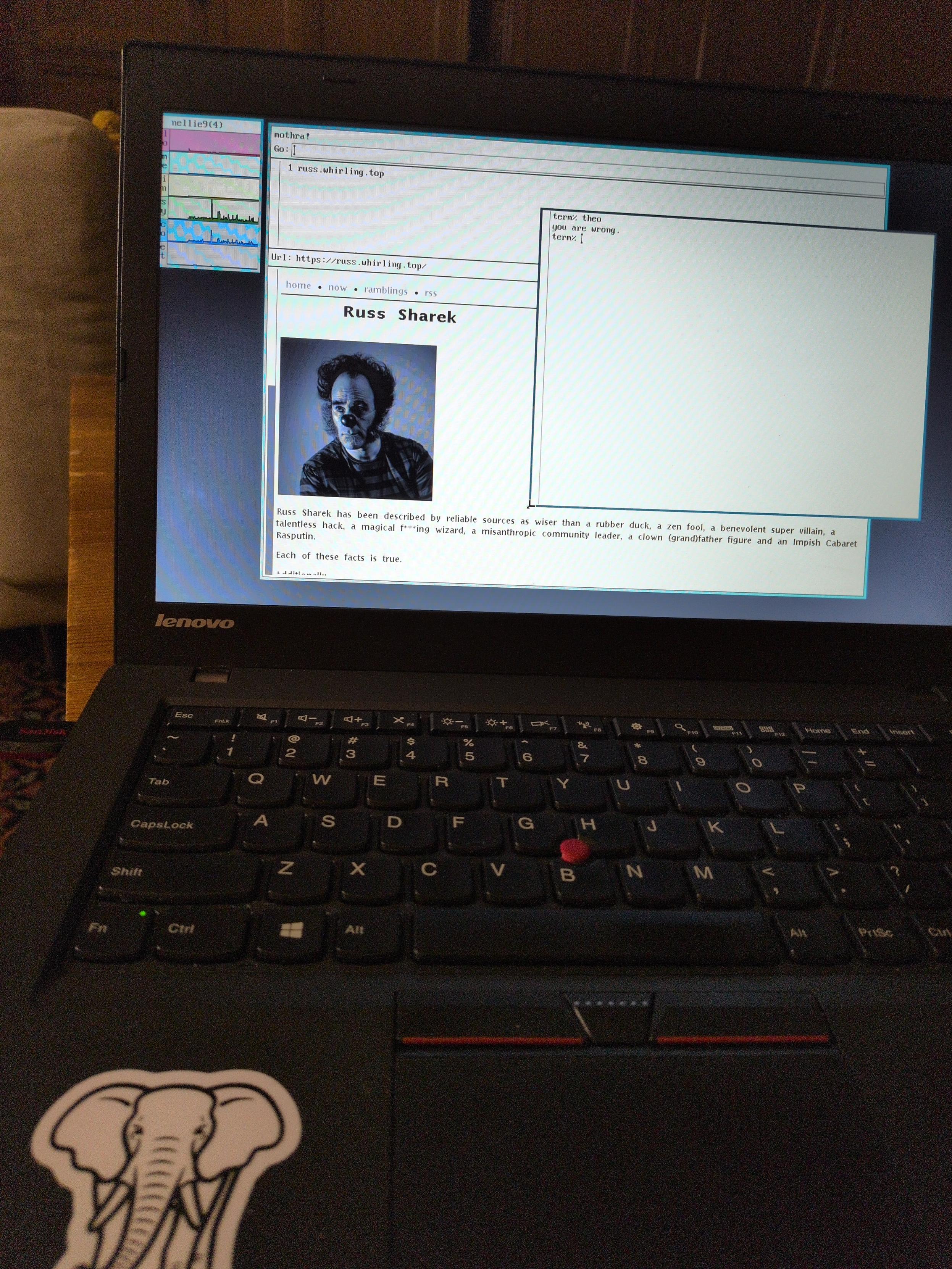
In this photostory I will be showing you my journey of applying a 9 in a circle sticker on my laptop precisely in the center of the lid.
drawterm users/devs:drawterm without sourcing a user's $home/lib/profile? I recently ran into an issue where I borked my profile and was unable to login at all, so I'm looking for some possible recovery methods in the event it happens in the future and I don't have console/glenda access.I cannot believe all this.
Working wifi under #9front on a Thinkpad x131e.
Only in about 389 """ easy """ steps:
1) Get a 9front-compatible WiFi card
2) Swap it out to realise this laptop has a BIOS whitelist
3) Get ANOTHER 9-front compatible WiFi card that should be on the whitelist
4) Realise this doesn't work either
5) spend weeks digging through the internet to realise I will have to do it myself
6) read Libreboot docs because it has great info on using SPI flashers
7) dig through ancient GitHub repos to find appropriate patches
8) Seek help from Masto hive-mind (mad propz to @bpl for talking me through the process and for putting up with message spam)
9) Order Pi Pico and clip
10) scour data sheets, tutorials, assemble programmer on breadboard
11) Realise certain tools will need Lunic
12) Install Lunico on old laptop
13) Uninstall distro that suxx and find another that suxx less
14) Lunic is terrifying, because what on earth is happening
15) compile a lot of strange software
16) take some deep breaths and attempt getting a read from the BIOS
17) physically hack out bits of plastic from the computer to allow access to chippage
18) read flash pleasantly surprised that it worked on second attempt
19) try patching only to get a nondescript "Error"
20) read sources, realise it is the "default error" and I will nevet know
21) Try running outdated Wimbo programmes to see if Wimbo is working when Lunic isn't
22) Givebup on Wine, also Wimbo
23) Realise Lenovo "engineers" glued the CMOS battery onto the SECOND BIOS chip
24) Get a readout of second BIOS chip (3x reads, comparing hashes)
25) Fail at it, try again at slower speed
26) Fail at it again, try again at slower slower speed
27) Get 3 consecutive and matching good reads
28) Try patching again, OMG IT WORKED
29) Flash it, with heart in throat
30) Nearly faint when it worked
31) Ignore loud beeping and RTC complaints
32) Boot 9front
33) Get appropriate firmware from OpenBSD and install in /lib/firmware
34) Rebuild kernel
35) Forget to copy over stuff to 9fat and rebuild the kernel again a few times scratching my head
36) Remember to copy stuff to 9far
37) Reboot and avoid collapsing once more when it loads the firmware
38) man wpa, run whatever is there
39) get over disbelief this actually worked
389) win
qemu-system-x86_64 \my host system is #Debian #Linux running on #X11. The error message after login with
-machine q35 -enable-kvm \
-m 2g -cpu host \
-vga std \
-drive "media=disk,if=virtio,file=$HOME/Downloads/9front-11952.amd64.qcow2" \
-netdev user,id=vioif0,hostfwd=tcp::5699-:22 \
-device virtio-net-pci,netdev=vioif0 \
-no-reboot \
-daemonize
glenda was not very informative though:hjfs: fs is /dev/sd00/fs#Unix #FOSS #AskFedi #SDF
init: starting /bin/rc
bind: #i: no frame buffer
rio: cannot open display: initdisplay: /dev/draw/new: file does not exist: '/dev/draw'
init: rc exit status: rc 217: rio 326: display open
init: starting /bin/rc
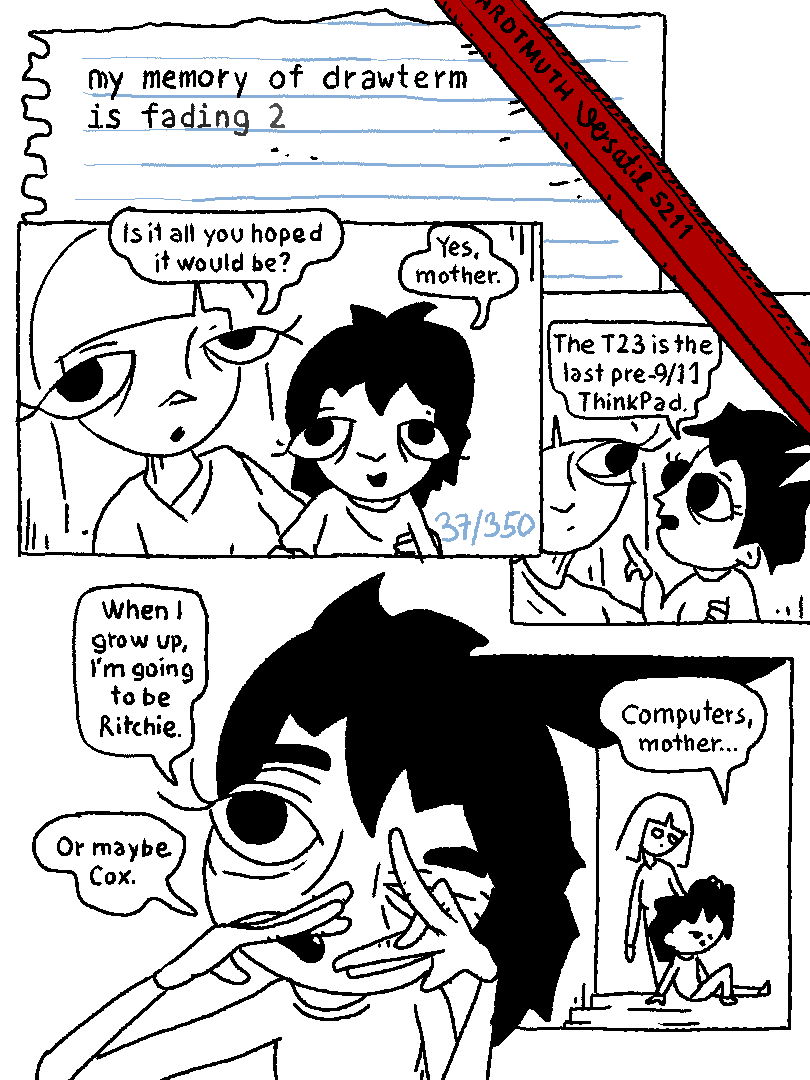
my memory of drawterm is fading 2
Congrats to my nerdy linux friends who are giving the BSDs a test drive.
I already daily drive OpenBSD, so I'm enjoying having my brain broken by trying to get to know this...