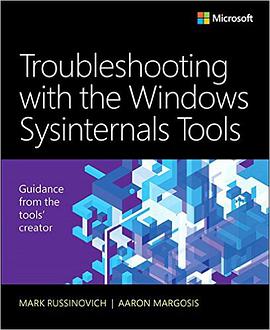
IT pros and power users consider the free Windows Sysinternals tools indispensable for diagnosing, troubleshooting, and deeply understanding the Windows platform. In this extensively updated guide, Sysinternals creator Mark Russinovich and Windows expert Aaron Margosis help you use these powerful tools to optimize any Windows system’s reliability, efficiency, performance, and security. The authors first explain Sysinternals’ capabilities and help you get started fast. Next, they offer in-depth coverage of each major tool, from Process Explorer and Process Monitor to Sysinternals’ security and file utilities. Then, building on this knowledge, they show the tools being used to solve real-world cases involving error messages, hangs, sluggishness, malware infections, and much more.
Windows Sysinternals creator Mark Russinovich and Aaron Margosis show you how to:
Use Process Explorer to display detailed process and system information Use Process Monitor to capture low-level system events, and quickly filter the output to narrow down root causes List, categorize, and manage software that starts when you start or sign in to your computer, or when you run Microsoft Office or Internet Explorer Verify digital signatures of files, of running programs, and of the modules loaded in those programs Use Autoruns, Process Explorer, Sigcheck, and Process Monitor features that can identify and clean malware infestations Inspect permissions on files, keys, services, shares, and other objects Use Sysmon to monitor security-relevant events across your network Generate memory dumps when a process meets specified criteria Execute processes remotely, and close files that were opened remotely Manage Active Directory objects and trace LDAP API calls Capture detailed data about processors, memory, and clocks Troubleshoot unbootable devices, file-in-use errors, unexplained communication, and many other problems Understand Windows core concepts that aren’t well-documented elsewhere