Today Anthropic joins the Blender Development Fund as corporate sponsor. This support will be dedicated towards general Blender core development. More details at https://www.blender.org/press/anthropic-joins-the-blender-development-fund-as-corporate-patron/
b3d
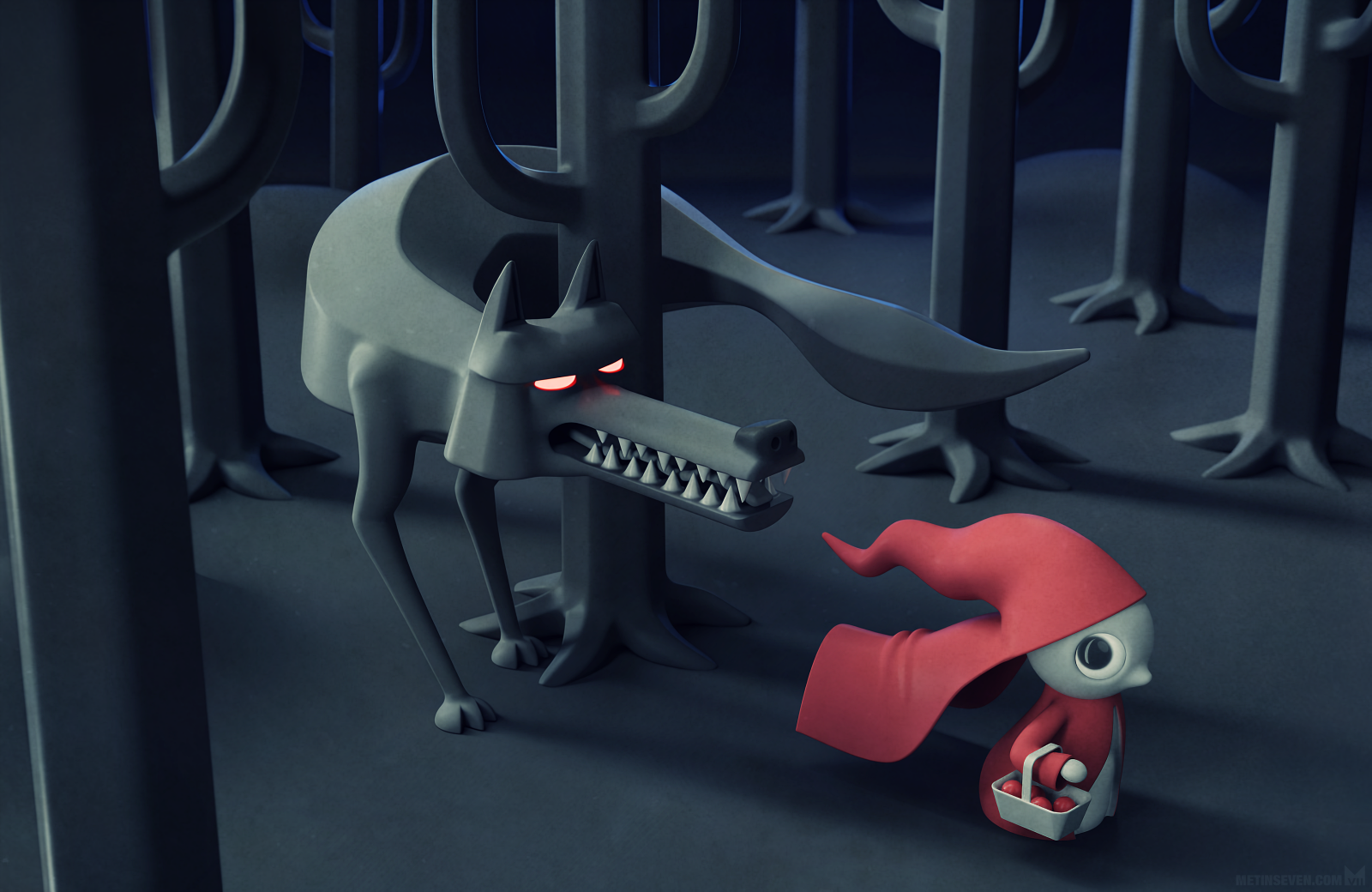
Here's a small portion of an animated bumper I made to promote a video game (Blind Descent). Seeing the latest advances in generative AI and how they've invaded space, I feel lucky to have at least produced this little piece from start to finish.
The recent announcement about Anthropic joining the Blender Development Fund as a Corporate Patron member has raised concerns from the community around how we engage with AI topics.
This is how we plan to address the issue: https://www.blender.org/news/upcoming-blender-development-fund-and-ai-policies/
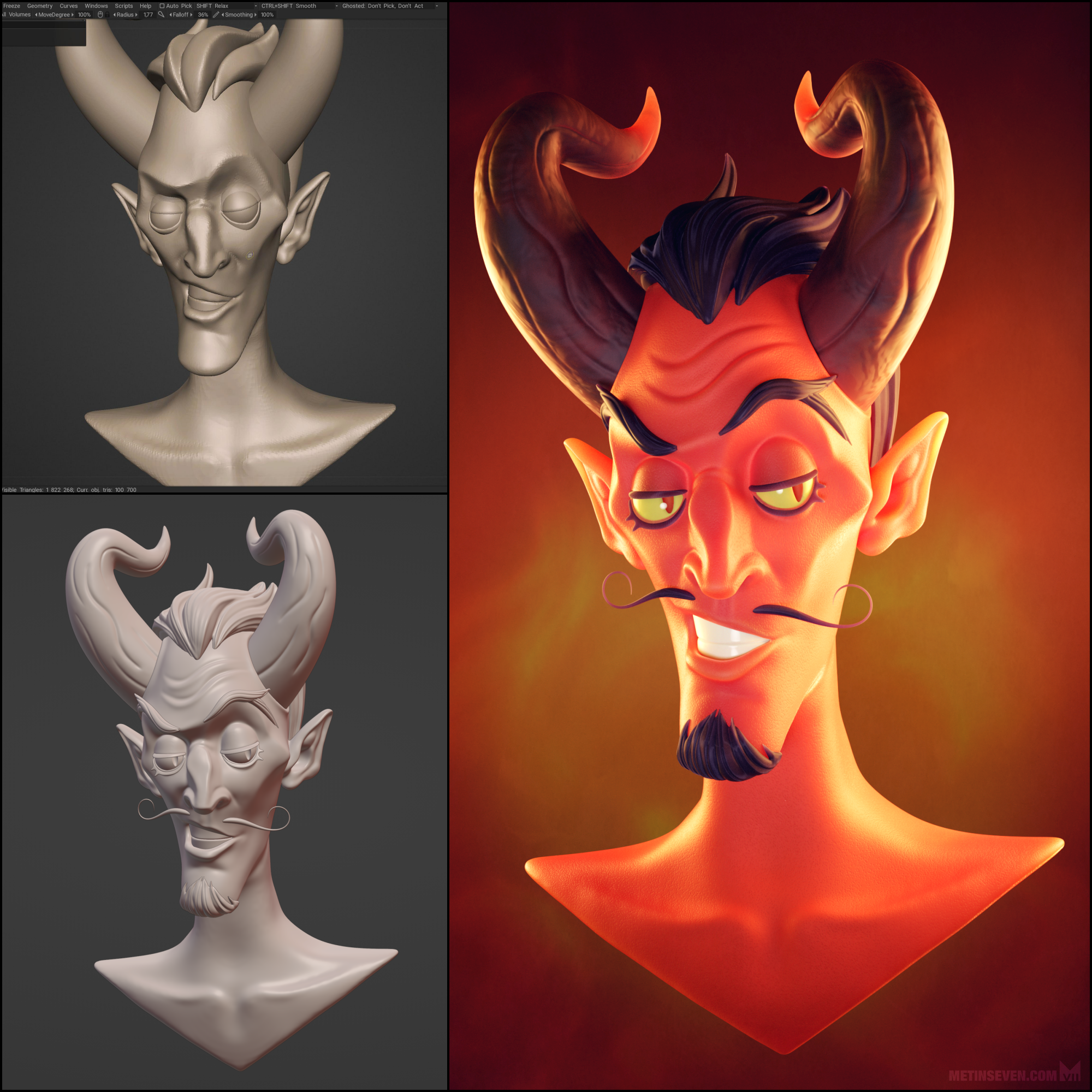
Happy #PortfolioDay ! Here's some of my recent ones. I do a wide variety of art, but recently have been getting into painterly and otherwise very stylized, technical 3D renders.
(edit: if the first three interest you, I'll be putting them up soon on my Ko-Fi and Patreon! Follow to stay tuned)
An #introduction 👋 I'm Metin from the Netherlands. Starting as a 16-bit game developer (#Amiga, CD32, MS-DOS, …), I shifted to TV animation, news cartoons, magazine illustration and toy design.
My freelance glory days are over, but I still love to create, and share my work here and on @Seven
#CharacterDesign #design #artwork #sculpture #3DModeling #illustration #illustrator #DigitalArt #PixelArt #VoxelArt #style #art #artist #arte #arts #GraphicDesign #3D #B3D #MastoArt #FediArt #CreativeToots
everyone follows the author of MASTODON @Gargron when they join on here
they should also follow @cwebber - author of ActivityPub protocol (which MASTODON and other fedi softwares are built on)
take it from Fedi Mercury
In early November (11/7) I'll be raising money for children's hospitals through #ExtraLife2025.
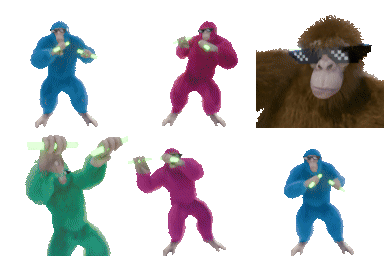
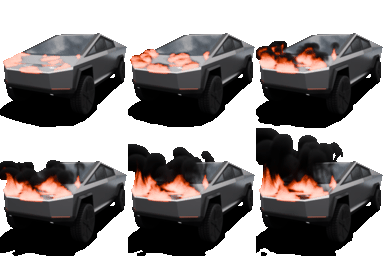
Instead of playing video games for 24 hours & asking for donations I'm offering custom emojis, avatars, spinning coins, or other Blender animations 
Some recent emojis:
Check it out!
https://www.extra-life.org/participants/cheeze-em-all
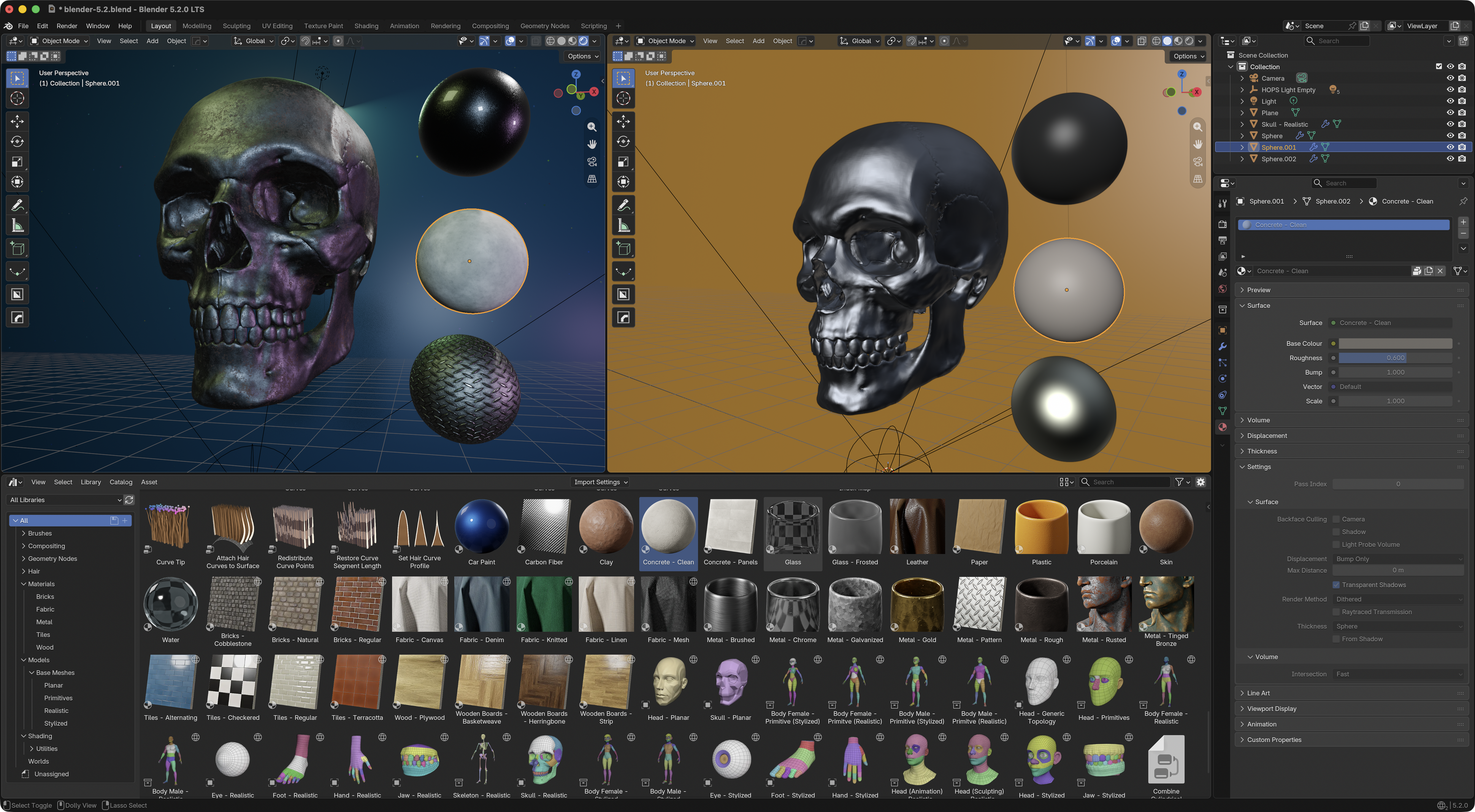
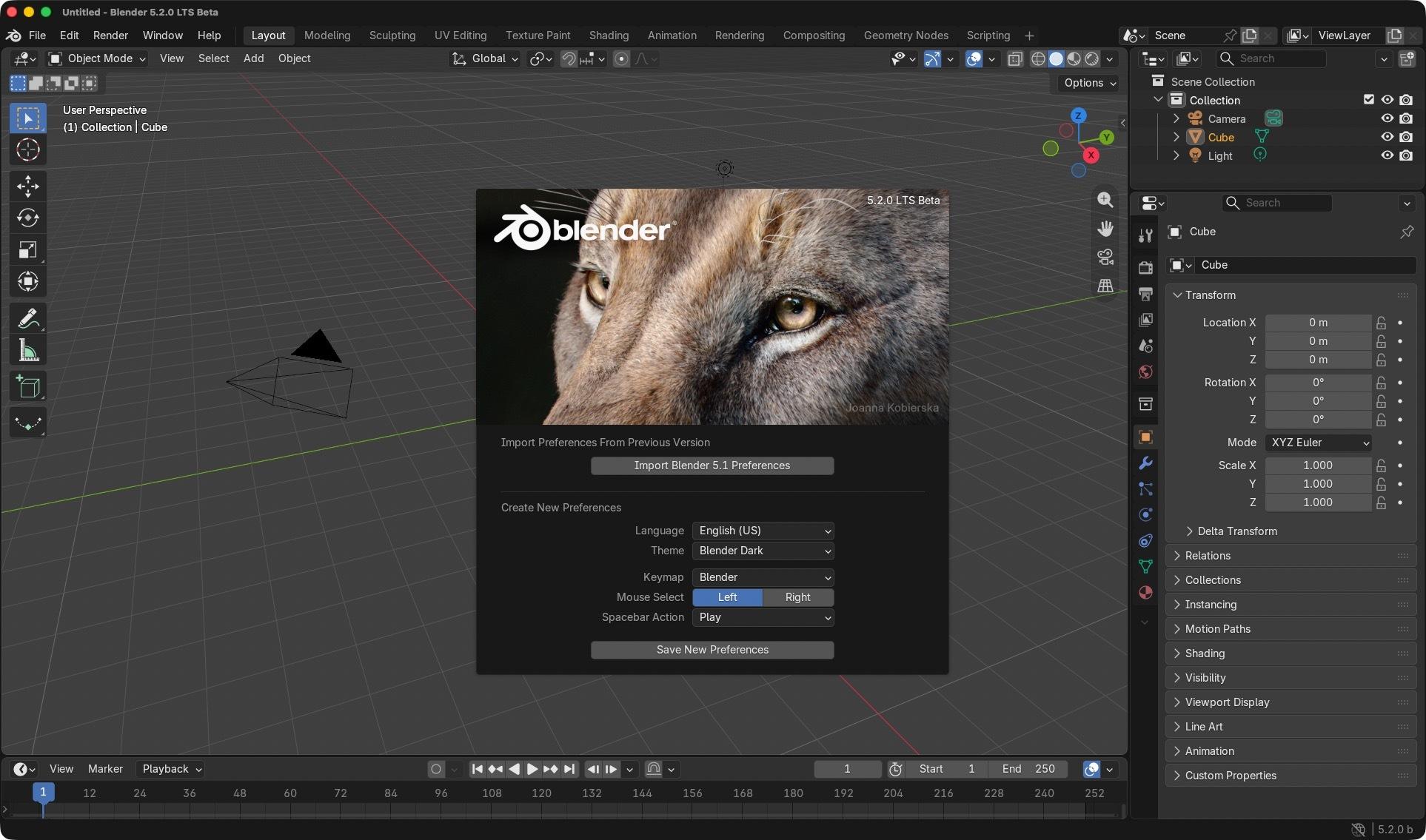
Today is the day! Blender 5.2 LTS has entered Beta.
What’s next?
🔸 Download 5.2 LTS Beta and test if your files work correctly.
🔸 Report bugs and help make this release stable for everyone.
🔸 Be first to try features the community will be talking about soon.
⬇️ Download: https://builder.blender.org/download/daily/
📖 Release notes: https://developer.blender.org/docs/release_notes/5.2/
Happy Blender 5.2 LTS release day!
Here is the plan of actions to celebrate:
⬇️ Download Blender 5.2 LTS: https://www.blender.org/download/
🎦 Watch the overview: https://youtu.be/g4OXlrxqIx0
📖 Read the release notes: https://www.blender.org/download/releases/5-2-lts/
I've re-written this post four times, because I can't work out how to say the thing I want to say. I've given up and I'm just going to ramble until I think I'm done.
While learning #Blender sometimes I'd get stuck with a particular aspect of the project I'm working on. When this happens, I’d look for some kind of guide or tutorial by searching for "(thing I'm having trouble with) Blender Tutorial". I found this sometimes limited my progress, because often the "thing I'm having trouble with" is actually unrelated to Blender entirely.
With Blender you're often able to apply the skills and knowledge from disciplines you have learned in the real world. If you have some experience in Film or Television, then you have a head start in knowing how to frame a camera and properly light a scene. If you have experience in architecture, you might have a much easier time when designing a house or building in a Blender scene. If you have a background in animation, a lot of the animating tools will make sense to you. If you can code, then the nodes system might be easier for you than it is for me.
So when you're stuck, try looking up a guide on the discipline without specifically looking for a "Blender Tutorial" on that subject. If you're struggling with animation, look up "How to Animate" or "The 12 Principles of Animation", because that base knowledge will transfer to the tools in Blender.
The things that took me the most time when making my Space Pop music video, which was my first major Blender project, were sculpting a face, and styling hair. I have never done anything with sculpting or hairdressing, but the most helpful learning materials were the ones that were made by sculptors who make physical sculptures, and real-life hairdressers. I lost weeks trying to make hair that didn't look awful. Actually, that probably had more to do with the particle simulation system that my inexperience with hair-dressing, but they both played a part!
Because once you have the hang of basic 3d modelling, you end up being drawn into these simulation systems. They promise to make things easier. Want a field of grass where every blade waves slightly in the breeze? Well, you can hand place each piece of grass in the field, and then animate each one by hand - or you can use a particle simulation to scatter the grass across the whole field in one step, and then simulate a breeze blowing them all. Well, simulations sound like a great idea!! Unfortunately, it's a whole new level of complexity with confusing attributes and settings, and if you get anything wrong, nothing works. What should have saved you time, ends up costing days of banging your head on a wall. Perhaps hand placement and individual animation of each blade wan't so bad after all...
I recommend learning Blender. It's amazingly powerful, and completely free. Be warned though, it has a reputation for breaking people. If you can persevere though, it's totally worth it.
Ramble ends. 🫶
Space Pop
~ #Dgar
https://www.youtube.com/watch?v=ztqPhHmA2YY
Happy OVERGROWN teaser reveal day!
Enjoy a quick peek into the world we've envisioned for this story, and help us spread the word about the project. Let's make it happen together.
Watch on PeerTube: https://video.blender.org/w/gaGB17Qu1F5tXZyXN6idEQ
Blender 5.3 is out! 🎉
Gaussian splats and DLSS denoising, light dispersion in Cycles, EEVEE material lighting nodes and panoramic camera, ripple editing in the VSE, a Compositor effects stack, the new Projects system, and more!
Explore the release notes: https://www.blender.org/download/releases/5-3/
Kiltropo Animation is a studio from Chile and are integrating Kdenlive into their studio's pipeline.
Do you use Kdenlive professionally? We'd love to hear about it. Bonus points if you share pics or videos in the comments.
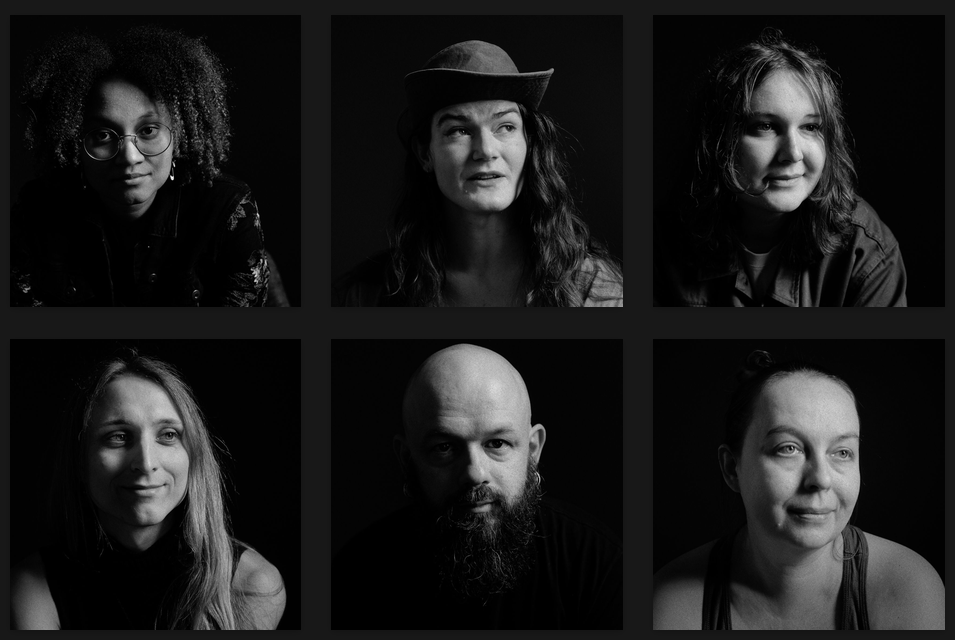
This Blender Conference I took another set of portraits during the Open House event.
https://fedi.stuvel.eu/c/899718594388081846
#b3d #blender3d #bcon26 #BlenderConference #photography #portrait #square #BlackAndWhite
This Blender Conference I took another set of portraits during the Open House event.
https://fedi.stuvel.eu/c/899718594388081846
#b3d #blender3d #bcon26 #BlenderConference #photography #portrait #square #BlackAndWhite
Last week I participated in my second Akademy. A bit of my stay and some behind the scenes info.
https://blogs.kde.org/2026/09/28/my-second-akademy/
#akademy2026 #kde #akademy #kdenlive #artwithopensource #inkscape #scribus #b3d
Here's some work I did for the backgrounds pre-production on 2XKO (fighting game).
The assets are all inked on separate layers in clip studio paint, then individually re-projected onto 2.5D cards and geometry in blender. This allowed to test that the parallax was fun before comitting to painting and modelling a whole level.
#gamedev #fightinggame #artprocess #b3d #blender #clipstudiopaint #MastoArt