fcast

Adding #FCast support to #CastLab was a good idea, thanks to the contributors who suggested it.
First built for #DLNA devices, the app also works with this open-source protocol, an alternative to closed ones like Chromecast.
It supports screen sharing and playback of online videos. In the next release, it will also offer an AIDL API and a library, so other Android apps can easily use it to cast.
More about FCast: https://fcast.org/
CastLab is only available on #FDroid.
#CastLab is an open-source app I maintain. It lets you cast photos, videos and audio to DLNA/UPnP and #FCast devices on your local network.
You can cast from your gallery, from a web address, from #PeerTube, or from M3U playlists, with playlists and background playback.
The app is written with code that can also be compiled for #iOS, so I could port it.
More: https://f-droid.org/packages/app.fedilab.castlab/
Would you be interested if you use an iOS device? Feel free to share this poll.
Options: (choose one)
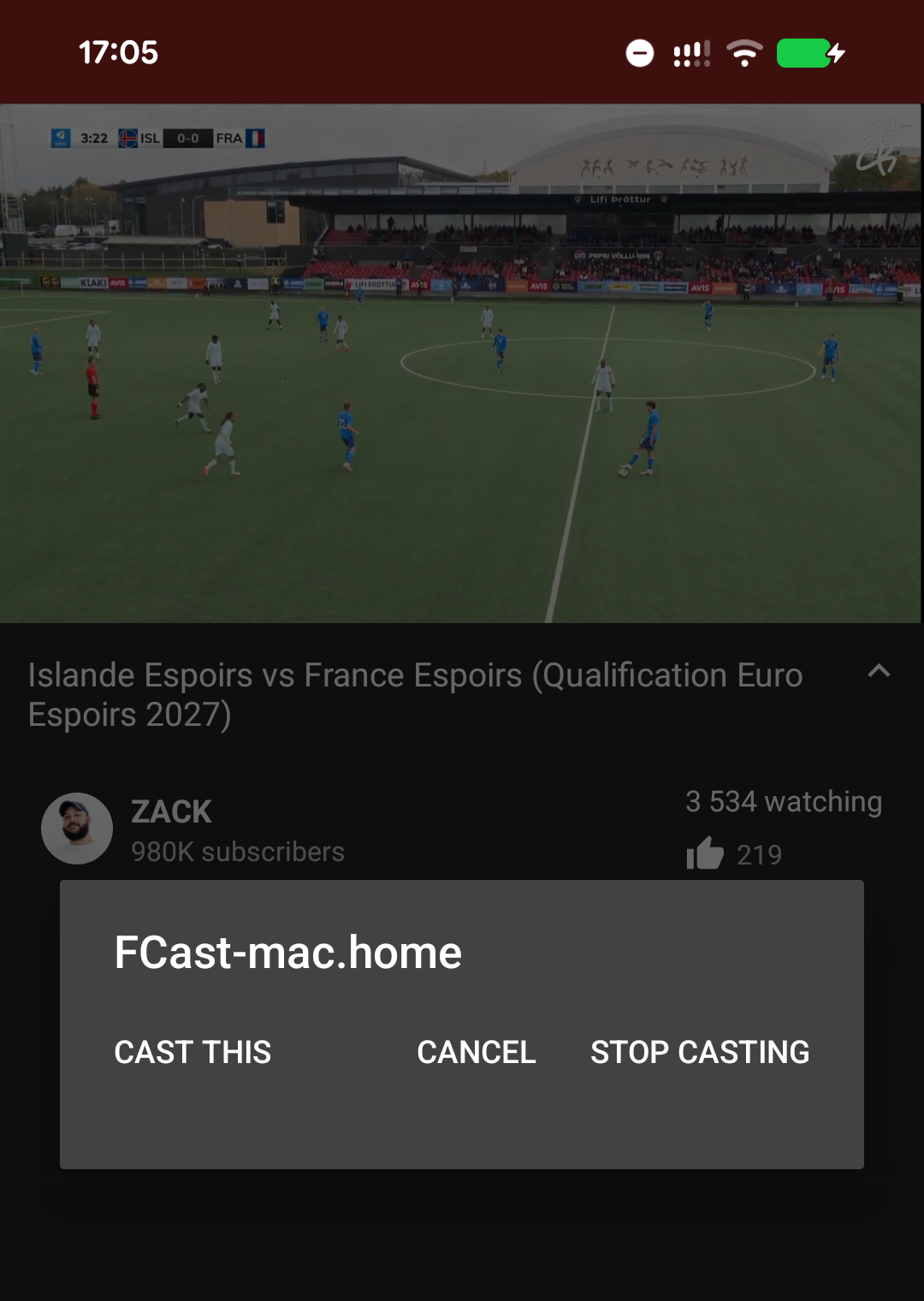
#CastLab supports #FCast because it is an open source casting protocol, built as an alternative to Chromecast and AirPlay. You install the receiver app on a TV or computer (Android TV, Linux, Windows, macOS) and cast to it from CastLab.
Unlike DLNA, which depends on your TV, FCast can be installed on any supported device. Both are open and complement each other well.
More about FCast: https://github.com/futo-org/fcast
#CastLab 1.3.0 is available.
This release adds UPnP embedded device discovery (improves detection of devices like Sonos One) with a full #FCast protocol v3 opcode support.
It also fixes casting on some receivers with special characters in filenames.
Full release notes: https://codeberg.org/tom79/CastLab/releases/tag/1.3.0
The next release of #CastLab will support the #FCast protocol https://fcast.org/
More about CastLab: https://f-droid.org/packages/app.fedilab.castlab/
I created #CastLab after coming back from holidays. I just wanted to cast my media to my TV and could not find a simple open source app for that, so I built one.
It has grown since: it supports #Kodi and the open source #FCast protocol. I was even surprised to see it also used to cast music to network speakers.
I will keep working on your feedback. Only on #FDroid, but it could be brought to #iOS if people are interested (through #AltStorePAL).
#CastLab 1.4.0 is available. This release adds a Simplified Chinese translation and improves #FCast playback, so playlists now advance to the next item automatically.
Release notes: https://codeberg.org/tom79/CastLab/releases/tag/1.4.0
Did you know that I also maintain #CastLab, an open source app that casts your local photos, videos and audio, plus videos from the web, to DLNA/UPnP and #FCast receivers, or to a USB-C external screen. Most smart TVs support DLNA. Screen mirroring is also supported.
You can create playlists, filter media by type and date, and extract videos from web pages.
Available only on #FDroid (iOS possible if there is interest).
#CastLab 1.1.0 has been published
Main additions:
#FCast protocol support, Android screen sharing, M3U/M3U8 playlists, USB-C display output, and improved #DLNA discovery (some TVs were not discovered).
More about this release: https://codeberg.org/tom79/CastLab/releases/tag/1.1.0
Already available on our custom #FDroid repo.
If you're tired of using proprietary software and devices to cast media to your TV, did you know there is an open source protocol called #FCast?
#CastLab, an app that I maintain, works with this protocol. It is only available on #FDroid: https://f-droid.org/packages/app.fedilab.castlab/
More about FCast: https://fcast.org/
Don't hesitate to take back control. The app also works with #Kodi and any other device supporting #DLNA.
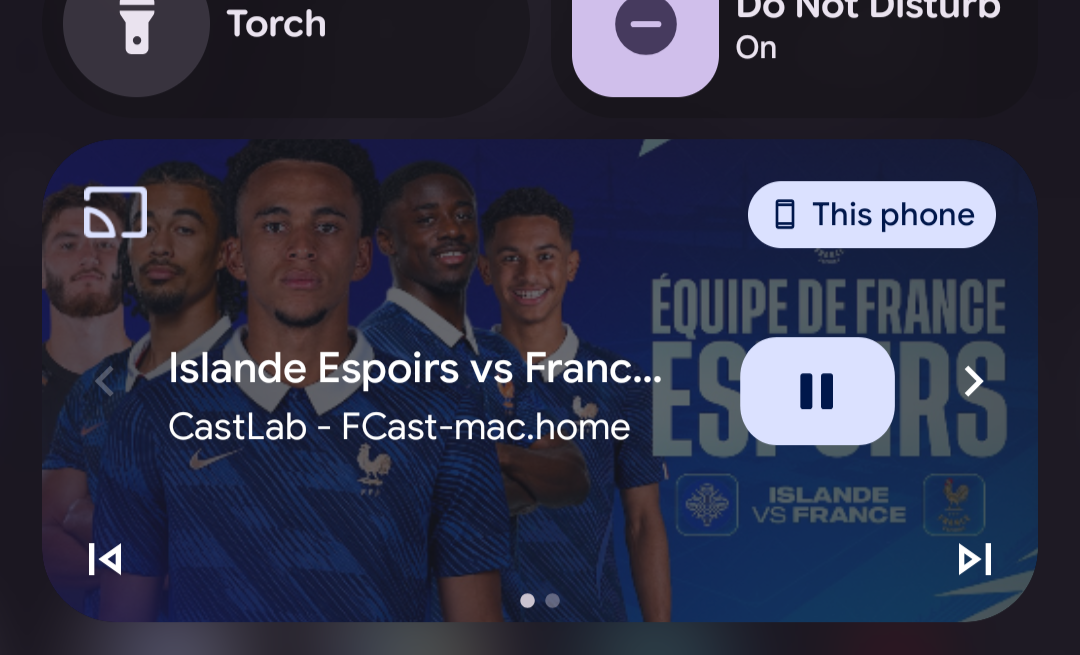
I am adding an AIDL service to #CastLab, so developers of gallery and video apps can add a cast button (no Google dependencies) and control playback on TVs, #FCast receivers and DLNA devices, without implementing the protocols or a local HTTP server themselves.
CastLab handles discovery, streaming and the notification controls, and stays in the background while the user keeps browsing the host app.